
Ask AI about your footage

Find any moment.Just ask your footage.

Ask Scenehand for the shot you’re picturing, the line you half-remember, or the story across hours of footage. Get answers with scenes and timecodes.

14 days free · 5 hours of footage included · no card required

Made for the work behind the film.Documentary and TV editors. Producers. Researchers with an archive full of stories.

Your originals stay on your drive.Scenehand works with compressed proxies. See how footage stays private

Follow every answer to its source.Search by what you see or hear, then return to the scene and timecode.

Find any moment.Just ask.

Ask AI questions about what happens, what’s said, or what you’re missing. Get an answer connected to the exact moments in your footage.

Try a question. Follow the evidence.

Explore Ask
A scene. A file. Your whole project.You choose how much footage to ask about.
Ask ScenehandExample project · Coastal life

Find wide shots that establish the harbour.

Answer with scene citations

Start with the quayside in Scene 04 for the boats and waterfront. Scene 11 gives you a wider coastal view. Both give the audience a sense of place before the interview.
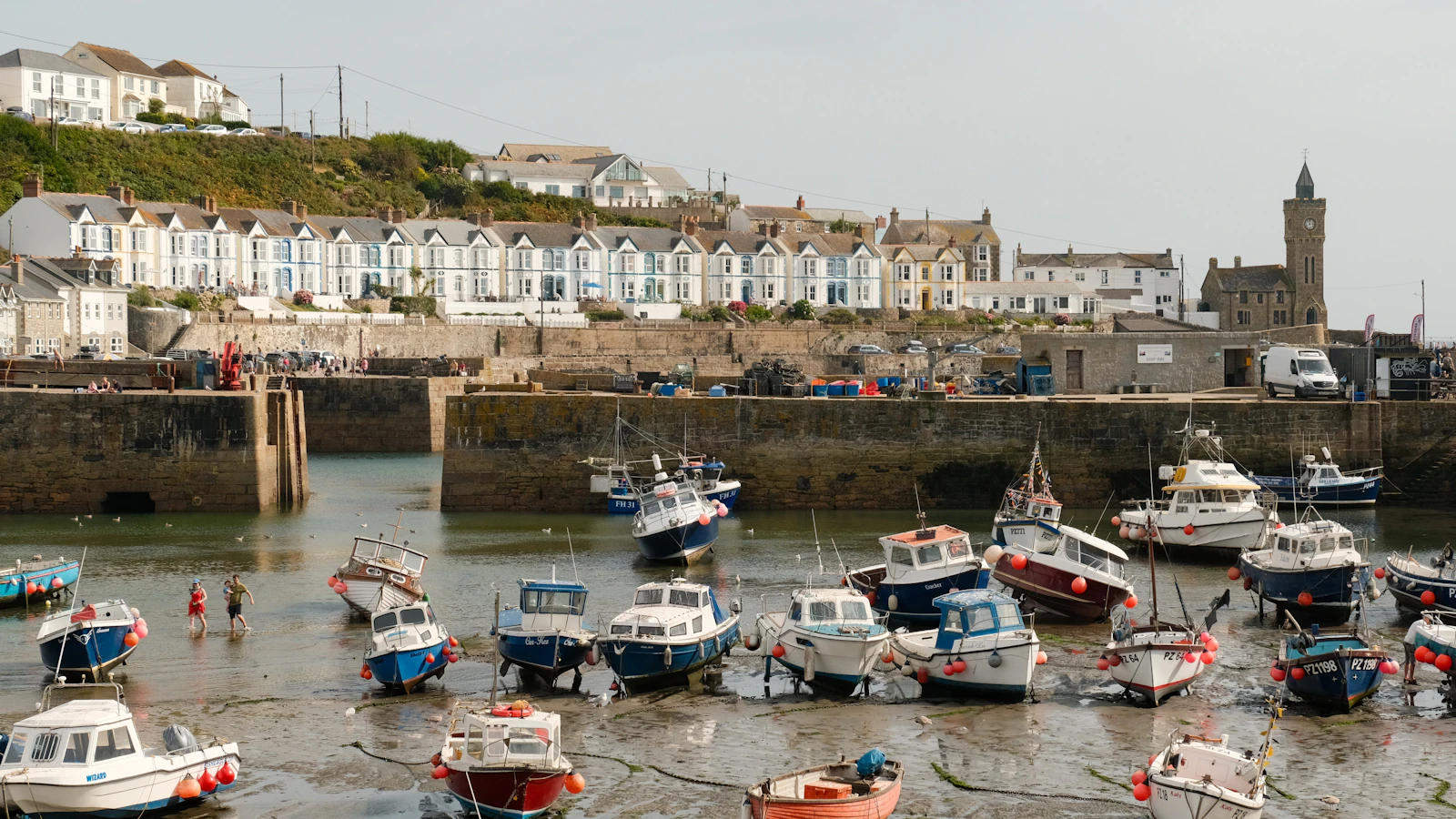
Fishing boats resting in Porthleven harbour at low tide
B007_C012.mov03:41–04:02
Fishing boats at low tide, with the waterfront behind them.
Example scene · stock photography

How it works

One pass.
A project you can ask.

Add your footage once. Scenehand connects what it sees and hears, so your next question starts with the whole picture.
Footage → understanding0%
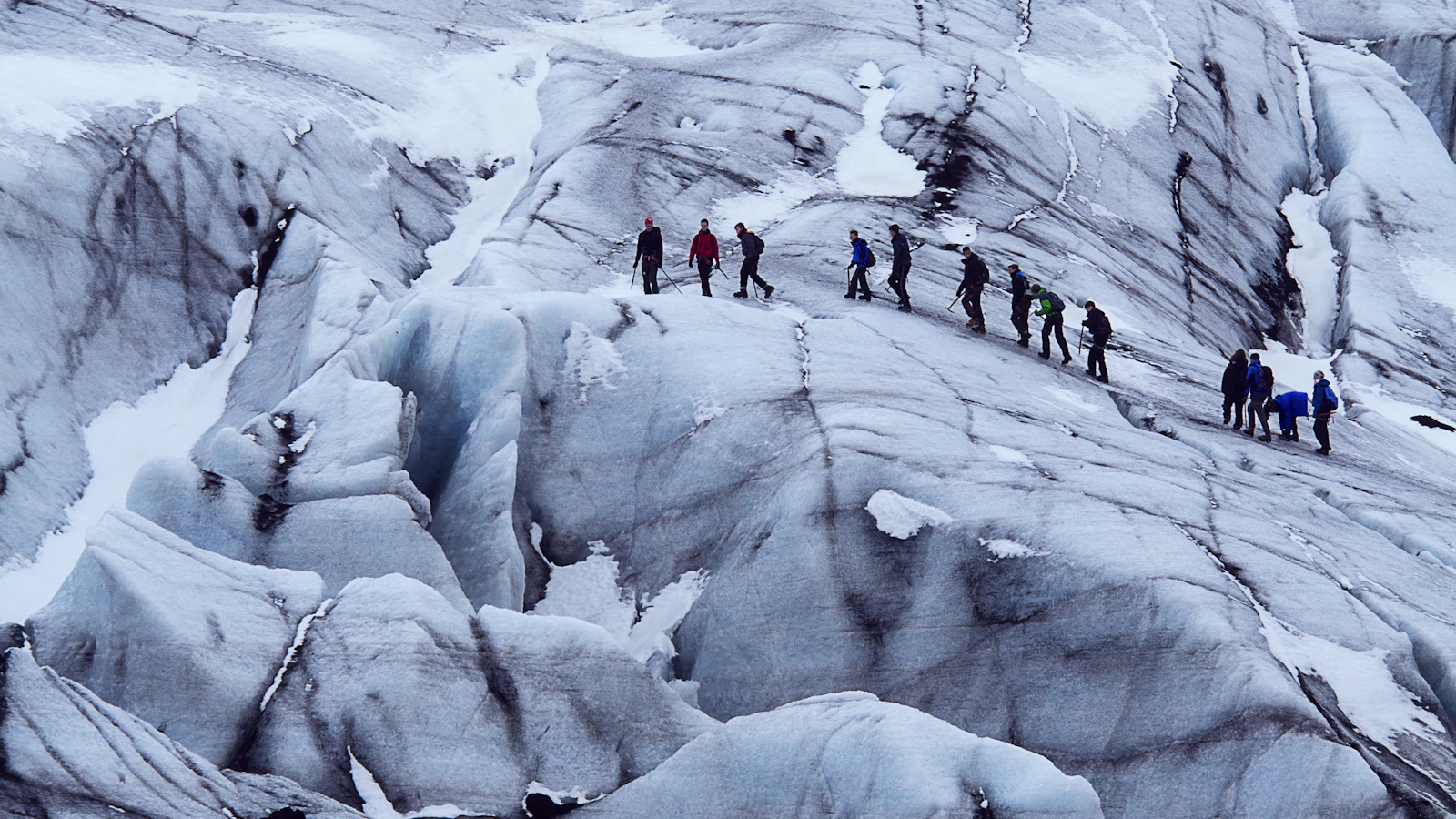
A glacier expedition establishing shot
Wide shotExteriorGlacier
Illustrated analysis00:00:00

01 Add footage

Bring in a shoot, a drive, or an archive. Your originals stay on your drive; Scenehand works with compressed proxies.

02 Scenehand watches it all

Scenes, speech, people, places and details become a connected, searchable library.

03 Find any moment

Ask for a shot, a soundbite, or a story thread. Follow the answer back to its scene and timecode.

02Features

More ways to work with what you find.

Footage browser

Every scene, on a card you can scrub.

Browse by scene or source file. Combine search with filters for shot size, setting, people, camera angle and tags — and scrub any result right on the card.

Footage 14Scenes 20
harbour, people and life at sea
6 / 20
All shot sizesAll settingsDay 2–3
Fishing boats at low tide
WS0:42
B-roll01
Fishing boats at low tide
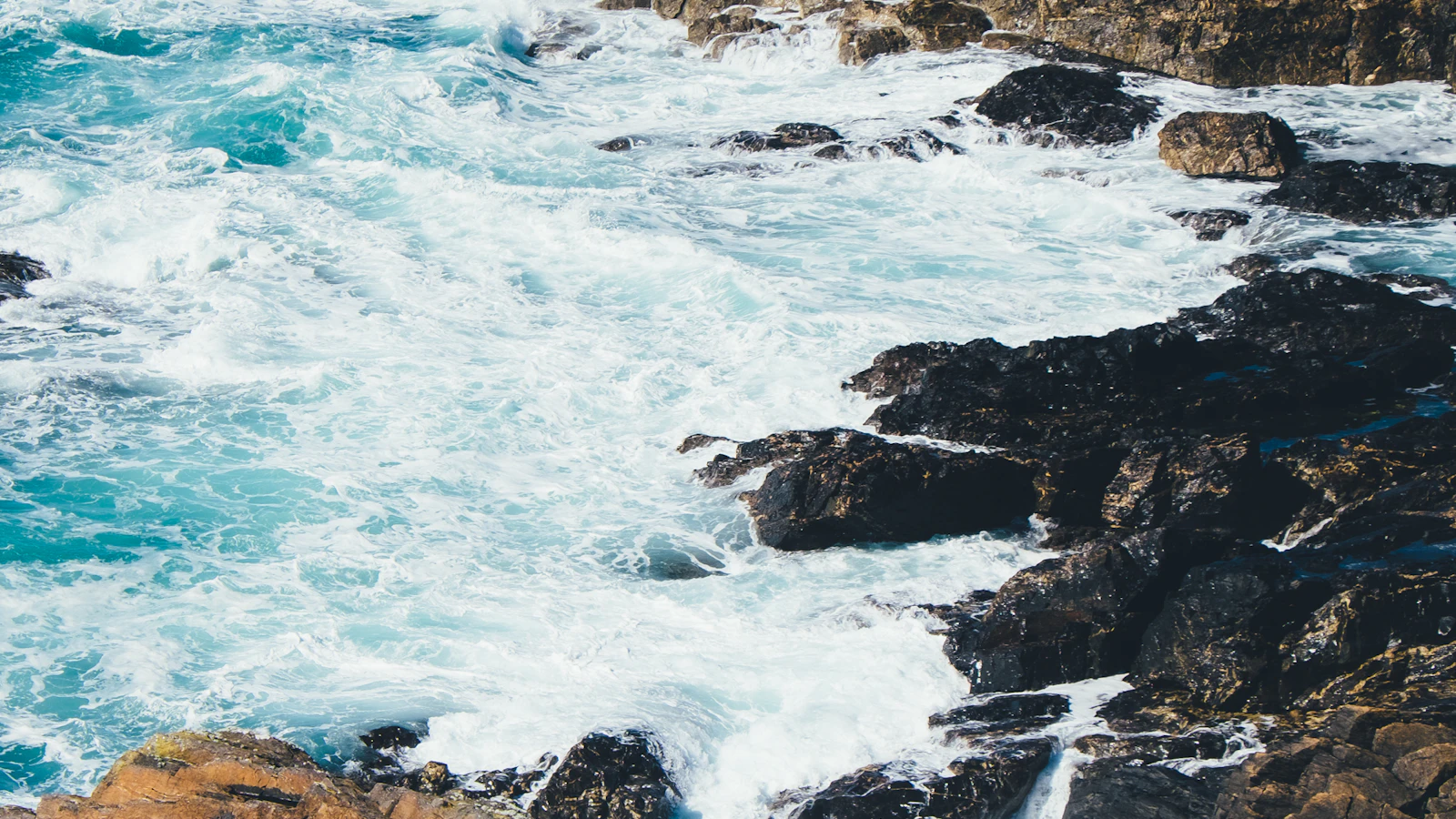
Waves breaking over coastal rocks
WS1:08
B-roll06
Waves breaking over coastal rocks
An aerial view of coastal coves
WS0:27
B-roll04
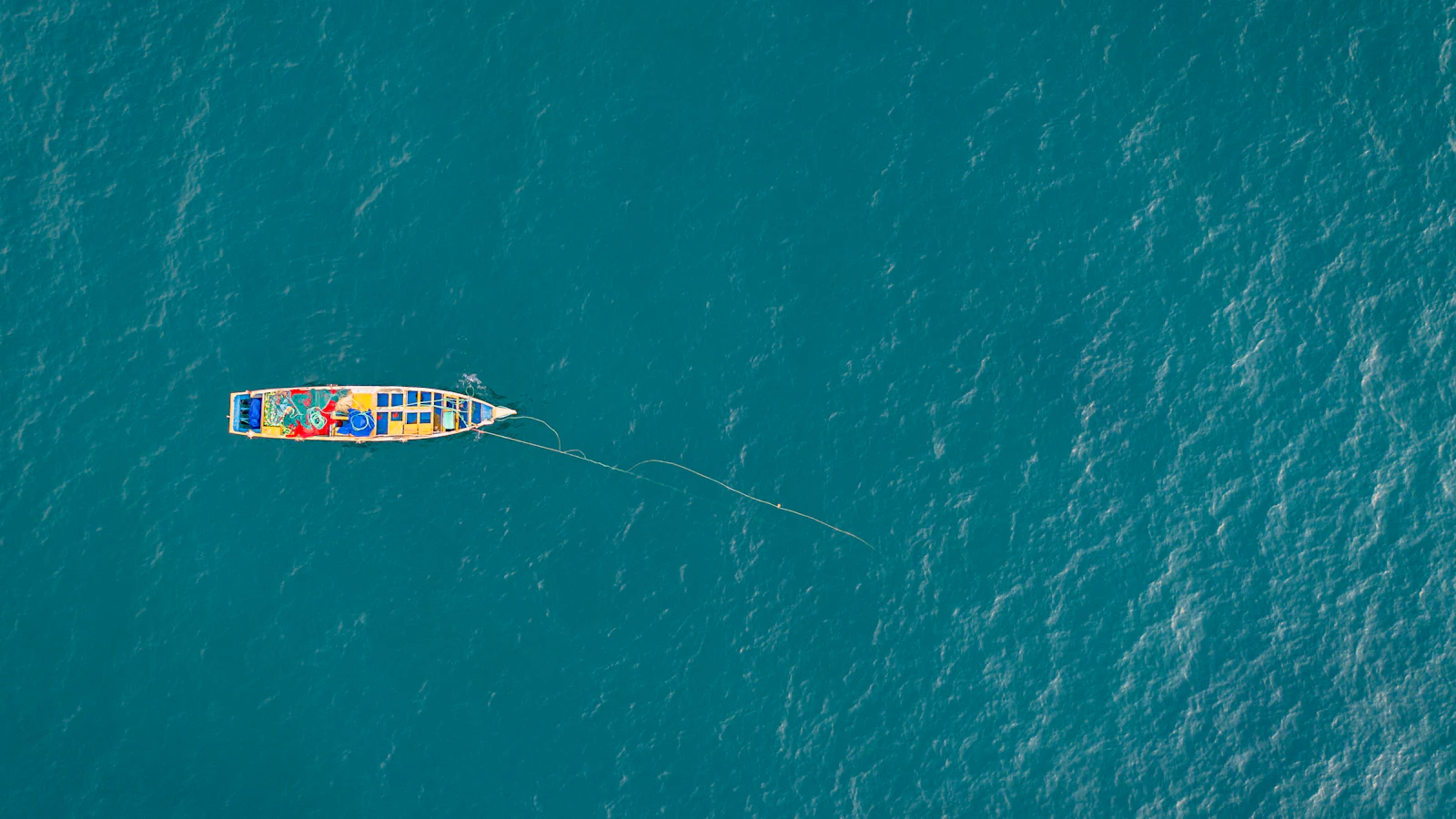
A wide view of the rocky coast
A fishing boat casting a net at sea
WS0:55
B-roll02
A fishing boat casting its net
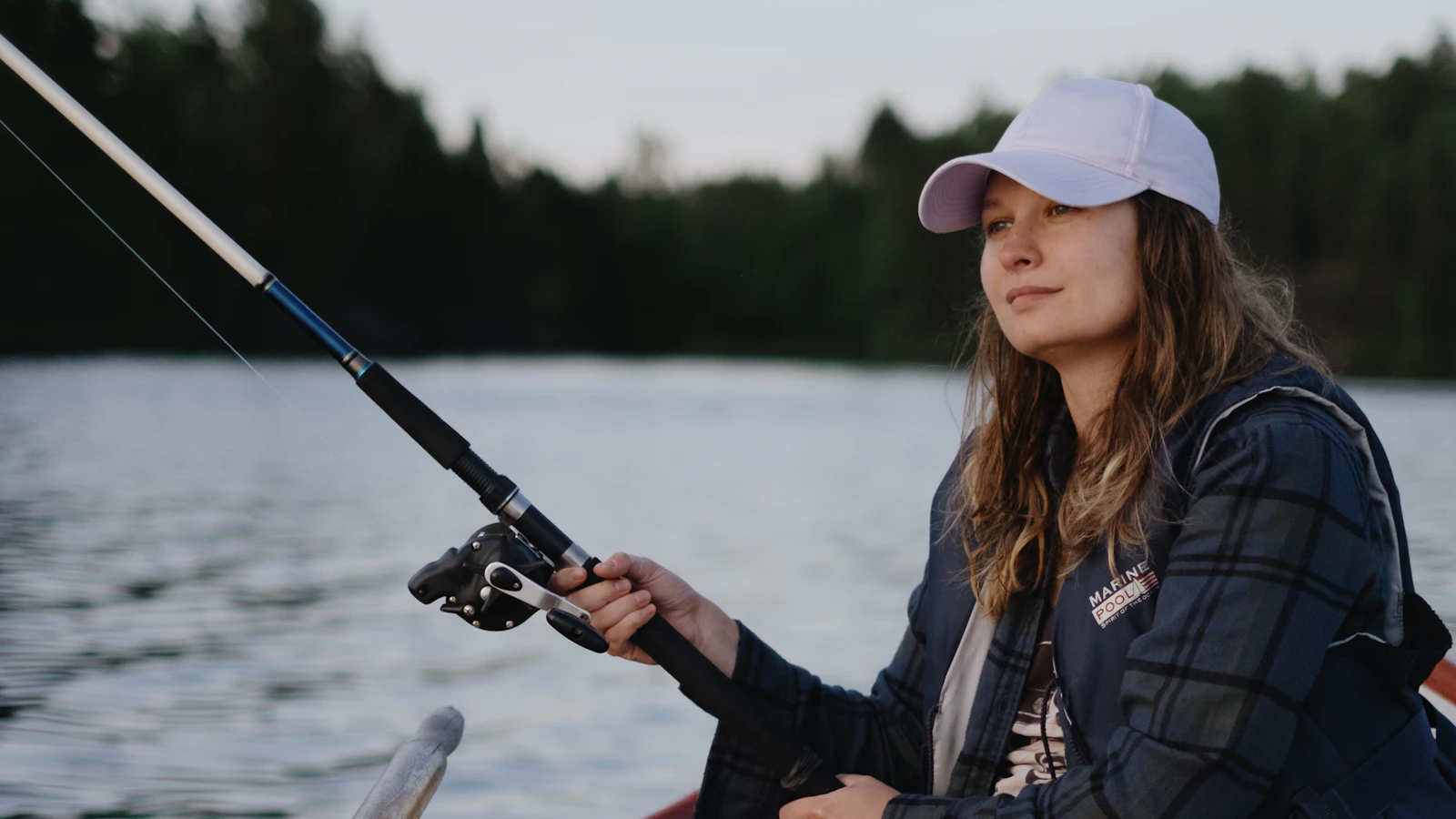
A woman fishing from a small boat, illustrating the example interview
MS0:19
A-roll05
“It leaves you, slowly.” — Maren
Hands tying a knot in a fishing net
CU0:33
B-roll03
Hands tying knots in a fishing net
Story

Know the story before the edit starts.

People, themes, locations and the arc so far — plus the strongest soundbite in every scene and notes on what's missing. Every claim links back to a moment you can play.
And everything around the edit.

A woman fishing from a small boat, illustrating the example transcript
0:11 Maren My first season. I had my own licence and a boat that leaked…
0:17 Jonas She once refused my father a berth over eleven kroner.
0:30 Interv. Can you take me back to the first season you worked the harbour? 1
Transcripts with speakers

Every word, pinned to the frame it was spoken on.
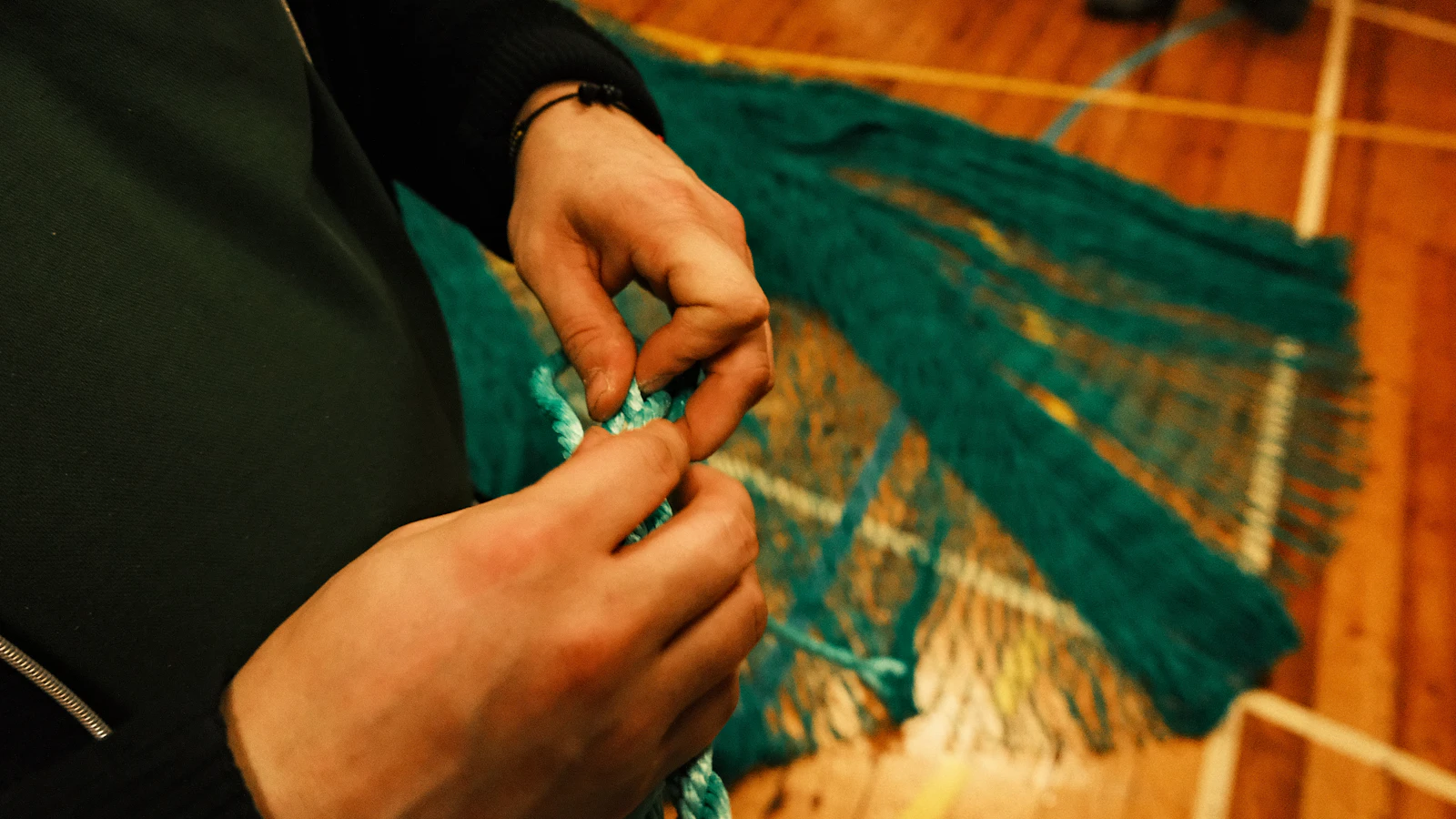
Hands tying a knot in a green fishing net
Shot sizeClose-up
Camera angleHigh angle
SettingInterior
hands × fishing net × rope ×
Automatic shot tags

Describe the shot you want. It was tagged the moment it landed.

12:04 @dana is there a cleaner take of this?
Comments on the timeline

Notes that hold their place on the timeline, not in a spreadsheet.

A-roll 38%
Insights

See what you have, and what you are still short of.

#edit-suite · 3 scenes ready to view ↗
Slack, wired in

Your footage answers in the channel your team already lives in.
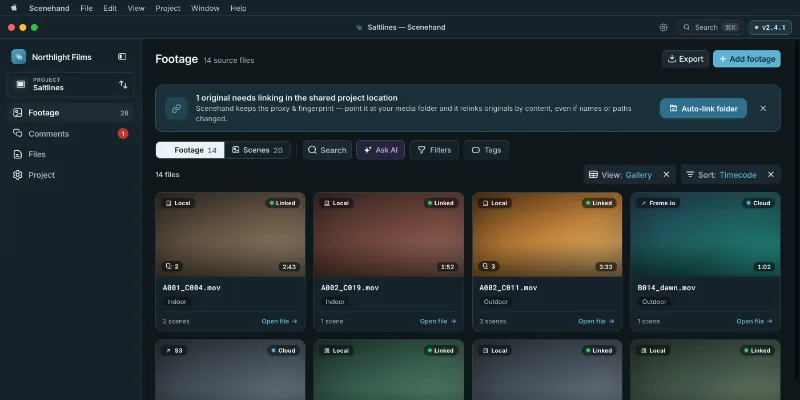
Scenehand ingest queue with processing status
LACIE_4TB · 82 files
Desktop app for big shoots

Point it at a drive and walk away. Ingest runs while you work.

03Private by design

Your footage stays yours — never shared, never used to train AI.

A workspace only you can see

Your work lives in your own private workspace. Only your team can see it, and it's yours to remove at any time.

Never used for training

Everything Scenehand learns from your footage stays in your project. It's never shared and never used to train anything.

No lock-in

Enterprise teams can run Scenehand on their own infrastructure, with SSO and a DPA. Your library moves when you do.

You approve every cost

Heavy processing always shows an estimate first. AI can propose actions — it never silently changes your project.

04 / Pricing

Room for your
next story.

From your first shoot to a shared library.
Choose the space and intelligence your work needs.

All prices in USD · per month

Standard

For the independent editor.

$59/ month

Billed monthly

Start free trial
Monthly credits
20
Storage
250 GB
Included seats
1
  • Search scenes, dialogue and details
  • Ask questions, get timecoded answers
  • Map themes and shape your Story

Studio

Paid beta

For a deeper look at every shot.

$149/ month

Billed monthly

Start free trial
Monthly credits
45
Storage
500 GB
Included seats
1
  • Everything in Standard
  • Search by camera movement
  • Find visually similar shots

Team

For everyone behind the story.

$199/ month

Billed monthly

Start free trial
Monthly credits
65 pooled
Storage
1 TB
Included seats
3
  • Everything in Studio
  • Shared tags, libraries and roles
  • Free, unlimited Viewers

1 credit = 1 hour of Standard analysis. Studio’s deeper analysis uses 2 credits per hour. Your allowance refreshes monthly on either billing cycle.

How much footage can I process?

Standard · 20 credits / month20 hours of Standard analysis.

Studio · 45 credits / month45 Standard hours or 22.5 Studio hours. Mix both in the same allowance.

Team · 65 pooled credits / month65 Standard hours or 32.5 Studio hours, shared across your team.

Try it on a real shoot.

14 days · 5 hours of Standard analysis · no card required.

Explore full pricing

Enterprise & on-prem

Your infrastructure, your requirements. Custom capacity, SSO, Camera RAW, DPA and SLAs.

Talk to sales
05Who it's for

Scenehand for documentary editors

Anyone with more footage than time. Four ways teams put a single pass to work.

Find the soundbite you half-remember from a shoot three months ago, check your coverage before you commit to a cut, and read the story the footage is already telling you.

Where does Maren talk about her father? Scene 1 · the widest take 01:12
See how Ask works
06FAQ

Frequently asked questions.

It stays yours, and it stays private. Your projects live in your own workspace, only your team can see them, and you can remove everything at any time.

No. The analysis runs privately for your project alone, and nothing from your footage is ever shared or used for training — ever.

Anyone sitting on more footage than they have time to watch — documentary and TV editors, brand and agency teams, sport and event producers, researchers with interview archives.

Each plan includes monthly credits. One credit covers one hour of Standard analysis; Studio analysis uses two credits an hour. Choose monthly or annual billing, and add prepaid top-ups when you need more. Top-ups never expire.

Standard covers transcripts, tagging, search, Ask and Story. Studio adds two things: search by camera motion, and picking any scene to pull every shot that looks like it. Studio is a paid beta at launch; Team includes everything in it.

14 days, no card. You get one project and 5 hours of footage — enough to search, ask and explore a real shoot before you pick a plan.

Your next story is already in there.

Bring your footage. Find your next story.

Start free trial 14 days · 5 hours of footageNo card required